
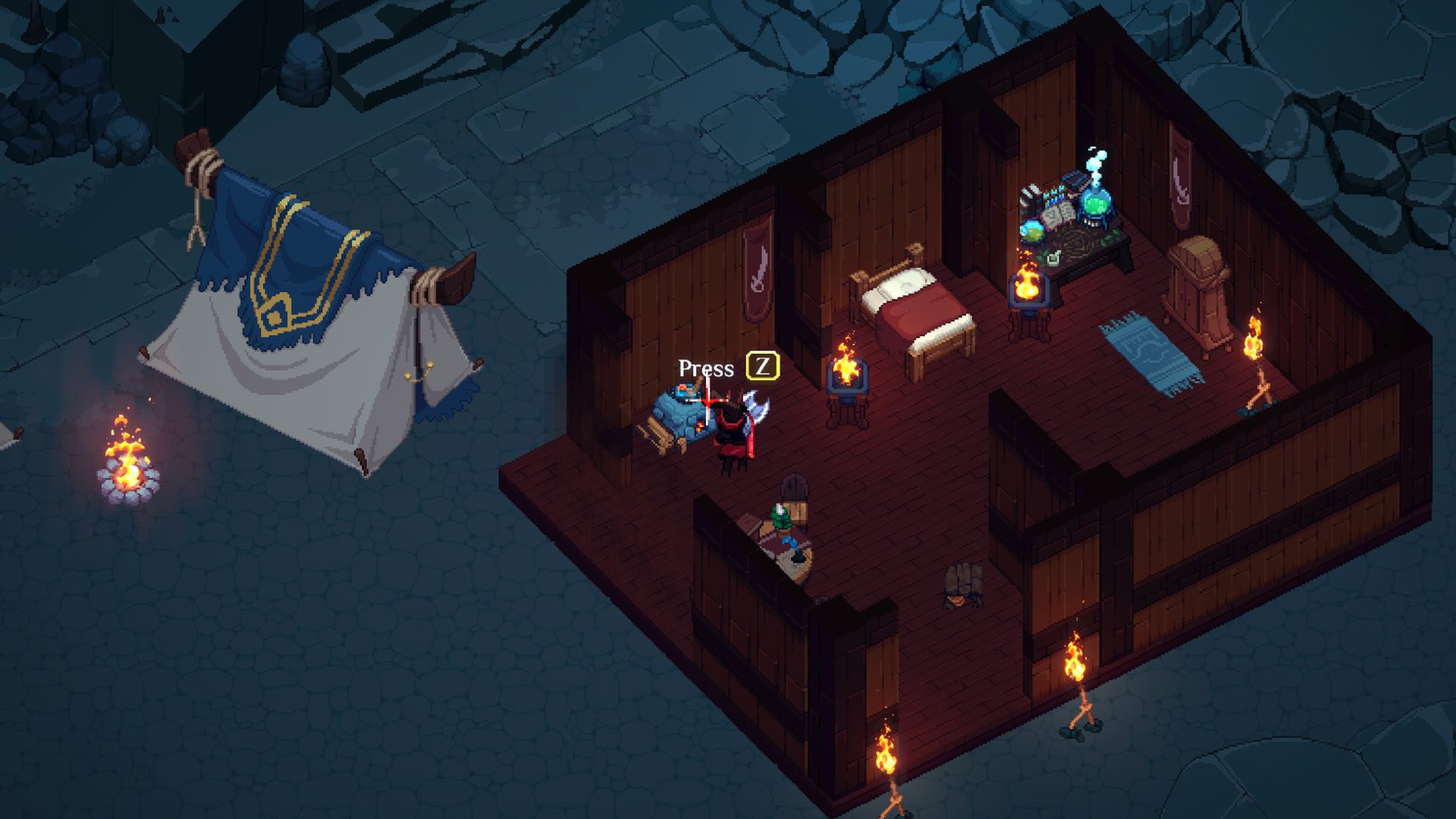
Dimraeth Download: The One Official Entry, and the Demo Is Gone
Dimraeth is only downloadable on Steam (App ID 2402680). The demo closed on 2026-07-15. Here are the install steps, requirements and how to spot fake download pages.

There is exactly one official place to download Dimraeth: the Steam store page at store.steampowered.com/app/2402680 (App ID 2402680, published by Mudtek), after which you install it from the Steam client. The free demo is no longer downloadable — it ran from 2026-04-02 and closed on 2026-07-15, because the developer said it had drifted too far from the Early Access build and would need substantial rework if it ever returned. Search results also surface a Softonic download page and a TapTap page labelled “Android/iOS APK”; neither is official, and only a Windows PC version is confirmed. Any site that asks you to install a “downloader”, offers an APK, or wants your shared account should be skipped.
The one official entry
| Item | Value |
|---|---|
| Store page | https://store.steampowered.com/app/2402680/Dimraeth/ |
| App ID | 2402680 |
| Type | game (the full release listing, not the demo) |
| Developer and publisher | Mudtek |
| Store status at check | “This game is not yet available on Steam”, with no price in the purchase area |
This was checked before unlock, so an inactive purchase button is expected. Unlock is 2026-09-15 at 18:00 CEST — see the release date page.
Why the demo disappeared
| Date | Event |
|---|---|
| 2026-04-02 | The demo launched as a separate Steam app, ID 2405840 |
| 2026-07-02 | The developer announced the demo would be removed on 15 July, citing how far it had drifted from the Early Access build |
| 2026-07-15 | A thank-you post confirmed the demo closed, thanking the roughly 60,000 players who tried it |
| Since then | The developer says it is gone “at least for the near future” and would need substantial rebuilding if re-released |
One sentence in that notice matters: the divergence was not only in content but in options that existed before you even load into the world. That is also why demo-era guides, builds and numbers do not carry over to Early Access.
Check your specs before installing
| Item | Minimum | Recommended |
|---|---|---|
| OS | Windows 10 | Windows 10 or 11 |
| Processor | Intel Core i3 (4th gen) or AMD equivalent | Intel Core i5 (6th gen) or AMD Ryzen 3 |
| Memory | 4 GB | 8 GB |
| Graphics | GTX 750 / R7 260X (or Intel UHD 620) | GTX 1050 Ti / RX 560 or better |
| DirectX | 11 | 12 |
| Storage | 5 GB | 10 GB |
| Network | Broadband | Broadband |
The game supports keyboard and mouse, controller, and a WASD-plus-mouse hybrid, and the Steam feature list includes full controller support with DualShock and DualSense. The developer says Steam Deck is supported, but Valve has not published a compatibility rating yet — see the platform page.
Install steps
- Confirm you are on Windows 10 or newer with at least 10 GB free (the recommended spec figure).
- Open the official Steam store page and check the App ID is 2402680 and the developer and publisher are Mudtek.
- Add the game to your library and install it from the Steam client, then let the download and verification finish.
- On first launch, choose your input style: keyboard and mouse, controller, or hybrid.
- Check the language setting in game — Early Access provides Chinese interface and subtitles, but no Chinese voice track.
How to spot a fake download
Searches for “Dimraeth download” surface third-party aggregators. Filter them with four hard rules:
- If the domain is not
store.steampowered.com, do not use it — including “accelerated download” or “no-install” pages; - If it asks you to install an extra downloader or client, do not use it;
- If it offers an APK or IPA, do not use it — no mobile version is confirmed and the store lists Windows only;
- If it involves shared accounts, third-party key reselling or cheap top-ups, do not use it. The account risk dwarfs the saving.
If a page asks you to disable antivirus software or hand over Steam credentials, that is already a clear malicious signal.
Common snags
- Purchase button inactive before unlock: expected, since this page was written before the 2026-09-15 18:00 CEST unlock.
- The demo link is dead: the demo listing was pulled; a 404 is expected rather than a regional restriction.
- No price visible: as of September 14, 2026 the developer has published no price — see the price page.
- Wondering about Steam Deck: the developer supports it, Valve has not rated it; judge from hands-on reports after launch.
Sources: Steam store page data (App ID, publisher, platforms, feature list, checked 2026-09-14), the store page system requirements and listing status, the 2026-07-02 and 2026-07-15 developer demo announcements, the 2026-09-13 unlock-time announcement, and Mudtek’s official FAQ on input devices. Checked 2026-09-14.